
The Best Way to Share Wedding Photos with Guests in 2026 (The Ultimate Guide)
Looking for the best way to share wedding photos? Forget clunky drives & social media. Discover the top methods for 2026 to easily share high-res memories with guests.
Your Wedding Was Magical. Your Photos Are Here. Now What?
You spent months, maybe even years, planning the perfect day. The flowers, the music, the vows—everything was a reflection of your love story. Your photographer captured it all beautifully. Now, the big question is: what’s the best way to share wedding photos with all the friends and family who celebrated with you? In the past, you might have considered a chaotic social media album or a clunky USB drive. But it's 2026, and thankfully, sharing those precious memories has become so much easier, more personal, and incredibly streamlined.
Let’s be honest, you want a method that’s as elegant and special as your wedding day itself. You need something that not only delivers your professional photos in stunning high-resolution but also gathers all those candid, hilarious, and heartwarming shots your guests took on their phones. This guide will walk you through the absolute best ways to share, collect, and relive your wedding memories with everyone you love.
The Old Ways Are Broken: Why Traditional Photo Sharing Fails
Before we dive into the modern solutions, let's talk about why the old methods just don't cut it anymore. You deserve better than a frustrating, low-quality experience for your once-in-a-lifetime photos.
The Social Media Scramble
Posting an album on Facebook or a carousel on Instagram seems easy, but it comes with major drawbacks:
- Image Compression: Social media platforms crush the quality of your high-resolution photos. The stunning details your photographer worked so hard to capture will be lost to aggressive compression algorithms.
- Privacy Concerns: Do you really want your intimate family moments accessible to your entire network (and the platform's data miners)? Many older relatives may not even be on social media, leaving them out completely.
- No Guest Contribution: Social media is a one-way street. You can post your photos, but there's no easy way to collect the hundreds of amazing photos your guests snapped.
The USB Drive & Cloud Folder Chaos
- Handing out USB drives or emailing a link to a generic Google Drive or Dropbox folder feels a bit dated and impersonal. It creates more problems than it solves:
- Clunky & Inconvenient: Managing USB drives is a hassle. For guests, navigating a folder of hundreds (or thousands!) of unorganized files named `_DSC8874.jpg` is a nightmare.
- Lack of Curation: It’s just a data dump. There's no beautiful interface, no way to highlight key moments, and no cohesive story. It lacks the emotional impact your photos deserve.
- Difficult Downloads: Guests often have to download a huge .zip file, which is a pain, especially on a mobile device.
The Modern Solution: Dedicated Wedding Photo Sharing Apps
This brings us to the future of wedding photo sharing. Dedicated apps, like our own KnotPix, were built specifically to solve all these problems. Think of it as your own private, beautiful, and interactive wedding album that lives in the cloud, accessible to you and your guests anytime, anywhere.
A dedicated platform is designed with your wedding experience in mind. It's not just about storage; it's about creating a shared experience. It’s the central hub for every single memory captured on your big day, from the professional shots to the guest-captured gems.
Key Features to Look For:
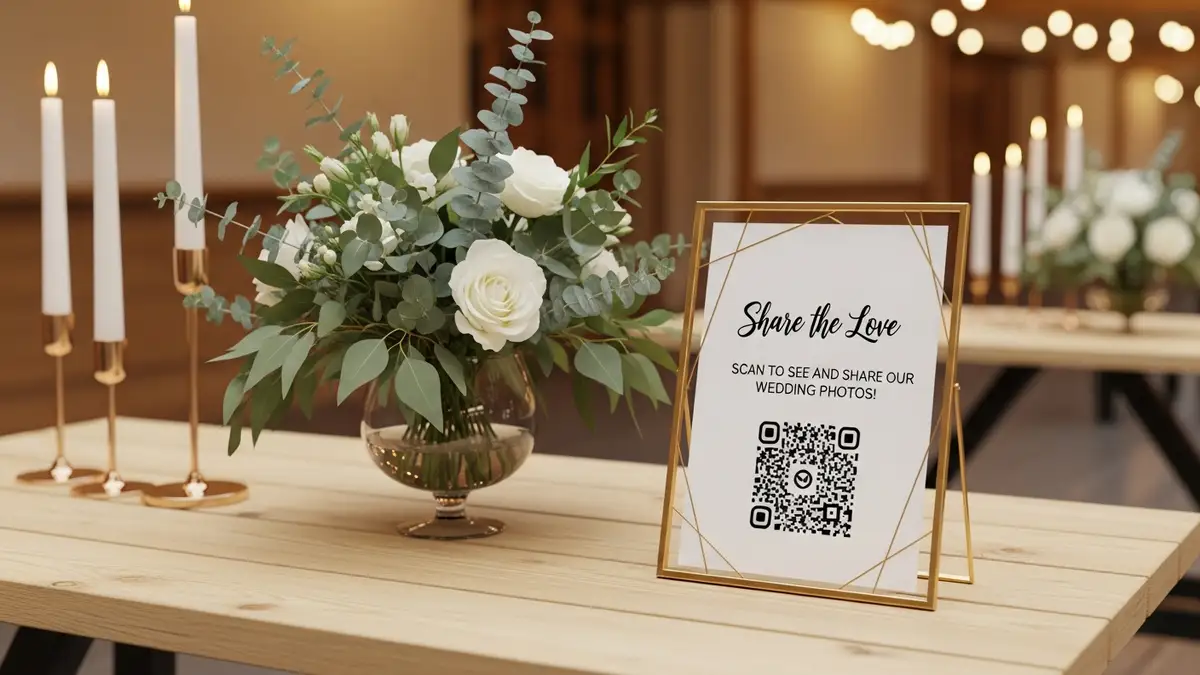
- QR Code & Link Sharing: The easiest way to give everyone access. Guests simply scan a code or click a link, and they’re in. No app downloads or complicated sign-ups required.
- Unlimited Guest Uploads: This is a game-changer. Finally, an easy way to see your wedding from every angle! Guests can upload their photos and videos directly from their phones into one organized album.
- High-Resolution Storage: Your professional photos remain pristine. No compression, ever. Guests can download their favorite shots in full, print-ready quality.
- Complete Privacy Control: You decide who sees your photos. Your album is your private space, not a public profile.
- Live Slideshows: Imagine a screen at your reception displaying photos from your guests in real-time. It’s an amazing way to engage everyone and see moments as they happen.
So, What is the Best Way to Share Wedding Photos in 2026?
The best way to share wedding photos is, without a doubt, using a dedicated wedding photo sharing app or platform. It combines the quality and control of a professional gallery with the collaborative fun of collecting guest photos, all in one user-friendly package. It respects the quality of your investment in professional photography while embracing the candid reality captured by your loved ones.
Here’s a simple checklist for the perfect photo-sharing experience:
1. Centralized Hub: One place for both your professional photos and guest-contributed photos and videos.
2. Instant & Easy Access: A simple QR code or link is all your guests need. The easier it is, the more photos you'll get!
3. Full-Quality Downloads: Don't compromise on quality. Ensure you and your guests can download the original high-resolution files.
4. A Beautiful, Curated Experience: The platform should feel like a custom wedding album, not a generic file folder.
5. Long-Term Access: Your memories should last a lifetime. Choose a service that keeps your photos safe and accessible for years to come.

How to Get Guests to Actually Share Their Photos
You've chosen the perfect platform, but how do you get everyone on board? The key is communication and making it incredibly easy.
- Announce it Everywhere: Include the QR code and link on your wedding website, in your invitations, and on signs at the wedding itself. Place small cards on tables, at the bar, and at the gift table.
- Get the MC Involved: Have your DJ or MC make a fun announcement during the reception, encouraging guests to scan the code and start sharing. You could even turn it into a game—offer a small prize for the best guest photo!
- Send a Reminder: After the wedding, include the link in your thank-you emails or cards. Remind guests that you’d love to see the day through their eyes and that the professional photos will be added to the same album soon.
Beyond the Big Day: A Living Album
Your wedding album shouldn't just be a one-time thing. The right platform allows it to become a living collection of memories.
Think about it: you can easily browse and find that specific photo of your grandma tearing up the dance floor. You can download your favorite pictures to create a physical photo album or order prints for family members directly from the gallery. This digital home for your wedding memories ensures they are always just a click away, safe from hard drive failures or being lost in the social media void.
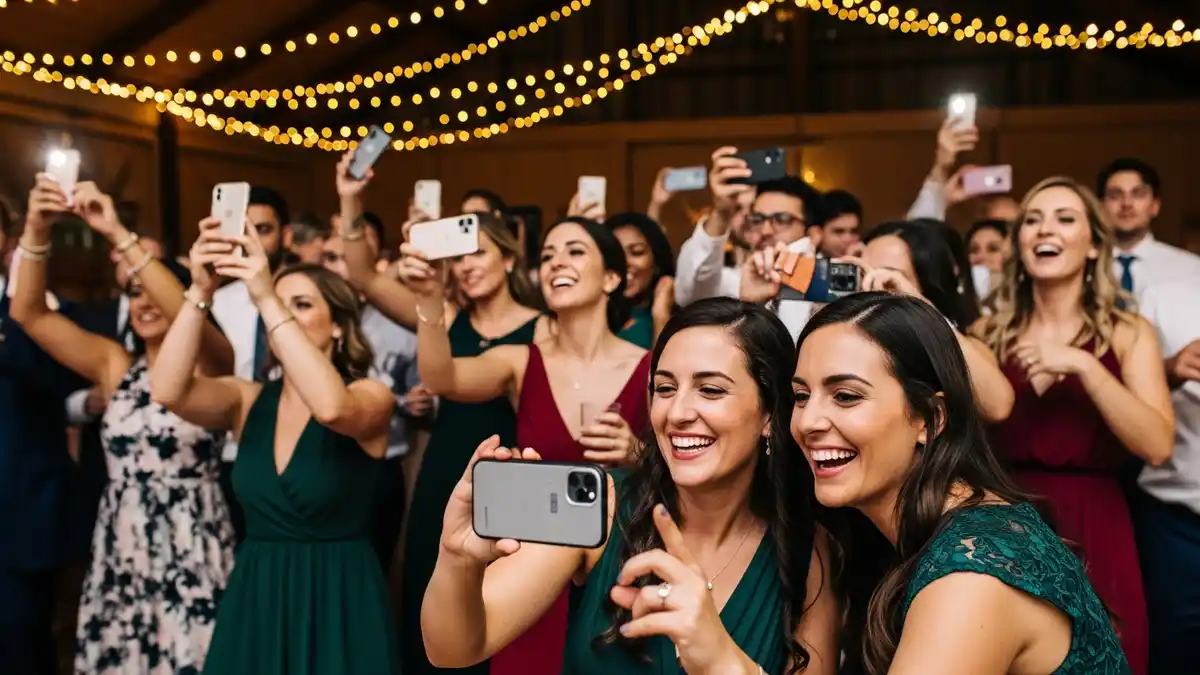 Happy wedding guests using their smartphones to take pictures and collect wedding photos from guests on the dance floor.
Frequently Asked Questions (FAQ)
How long after the wedding should you share photos?
Your photographer will typically deliver your professional gallery 4-8 weeks after the wedding. However, you can set up your guest photo album immediately! It's fun for guests to upload and view photos the very next day while the memories are fresh. You can then add the professional shots to the same album when they're ready.
Can guests really upload their own photos easily?
Yes! With modern platforms, it's as simple as scanning a QR code and selecting photos from their phone's camera roll. There’s no need for them to download an app or create an account, removing all friction.
Are wedding photo sharing apps secure?
You have complete control. Unlike social media, these platforms are private by default. Your gallery is typically protected by a unique link or password, so only the people you invite can view and contribute.
What's the difference between a photographer's gallery and a sharing app?
Your photographer's gallery is primarily for delivering their work to you. A wedding photo sharing app is a collaborative space for everyone. It's the best way to share wedding photos from your photographer and collect and share all the candid moments from your guests in one unified, beautiful album.
Your Memories Deserve the Best
Your wedding day is a story told through a thousand different moments—some captured by a professional, and others by the people who know and love you most. Finding the best way to bring all those perspectives together is the final, perfect touch to your wedding experience. By choosing a dedicated, modern solution, you’re not just sharing files; you’re creating a shared, lasting legacy of one of the happiest days of your life. And that’s a beautiful thing.