
QR Code for Wedding Photos: Your Ultimate 2-Minute Setup Guide for 2026
Effortlessly collect every guest photo with a QR code for wedding photos! Our 2-minute guide shows you how to set up and share your KnotPix album in seconds. Try it free!
QR Code for Wedding Photos: The Easiest Way to Get Every Amazing Shot
Your wedding day will be a beautiful, chaotic, love-filled blur. You’ve hired a fantastic photographer to capture the big moments, but what about the hundreds of other moments happening all around you? The candid laughter during cocktail hour, your college friends recreating an old photo, your grandma wiping away a tear during the vows… these are the pictures your guests will capture. The challenge? Actually getting those photos. That's where a QR code for wedding photos becomes your absolute best friend. Forget chasing guests for months or scrolling through a messy, low-quality social media hashtag. With a simple scan, you can gather every single photo in one beautiful, private place.
In this guide, we’ll show you how to set up your own wedding photo QR code in literally two minutes using KnotPix. It's the simplest, most effective way to make sure no memory gets left behind.
First Off, What Exactly is a QR Code for Wedding Photos?
You've seen them on restaurant menus and posters, but a QR (Quick Response) code is simply a scannable barcode that links directly to a specific webpage. A QR code for wedding photos is a unique code that, when scanned by your guests' phones, instantly opens a private, online album where they can upload their pictures and videos from your big day.
Think of it as a direct digital pipeline from your guests' camera rolls to your personal wedding gallery. It solves so many old-school photo-sharing problems:
- No More Hashtag Hassles: Hashtags are public, often get cluttered with unrelated posts, and social media sites heavily compress your photos, ruining the quality.
- No Awkward Reminders: You don't have to send follow-up texts for weeks asking friends and family to please send you their pictures.
- Instant Gratification: You and your guests can see the photos in near real-time. You can even set up a live slideshow at your reception!
- It's Incredibly Easy: If your guests can point their phone's camera, they can use it. No apps to download, no passwords to remember. It’s a one-scan-and-done deal.
The 2-Minute KnotPix Setup: Your Step-by-Step Guide
Ready to do this? We timed it. It really does take less than two minutes to go from zero to having a downloadable QR code ready to print.
Step 1: Sign Up for KnotPix & Create Your Event
First things first, head over to the KnotPix website or download the app. Creating an account is free and takes about 30 seconds. Once you're in, you'll hit 'Create New Event.' You'll enter the basic details: your names, the date of the wedding, and maybe a welcome message for your guests. This creates your private digital album.
Step 2: Find Your Unique QR Code
The moment your event is created, KnotPix automatically generates a unique QR code and a shareable link just for you. Navigate to your event's dashboard and look for the 'Share' or 'Invite Guests' section. You'll see your beautiful QR code right there, waiting for you. It's tied exclusively to your wedding album.
Step 3: Download & Print!
That's it! Click the 'Download' button. KnotPix gives you a high-resolution image file of your QR code (often in a few design templates, too!). You can now add this image file to anything you plan on printing for your wedding. It's that simple. You're officially ready to start collecting memories.
Genius Places to Display Your Wedding QR Code
Now that you have your code, where should you put it to make sure every guest sees it? The more visible it is, the more photos you'll get. Here are some of our favorite, can't-miss spots:
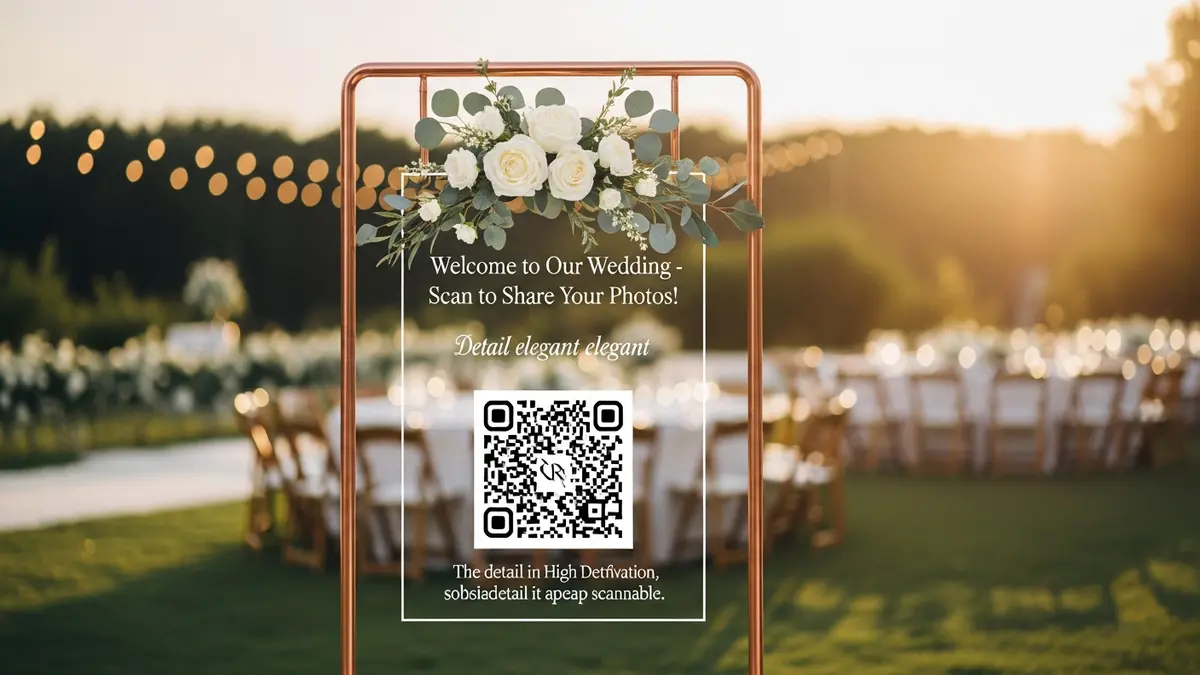
- On the Welcome Sign: This is prime real estate! As guests walk into your ceremony or reception, they'll see the sign. Add a little note like, "Scan to Share the Love! Help us capture every moment."
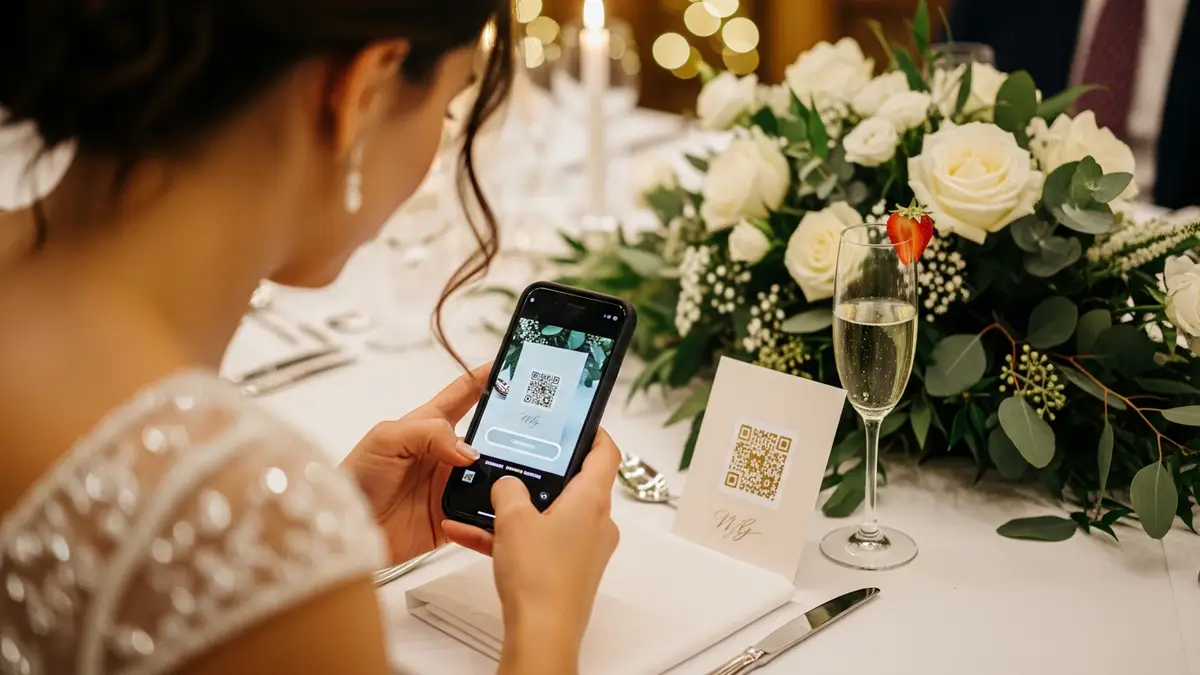
- On Table Cards or Menus: Place a small, elegant card with the QR code on every single table. Guests will have their phones out at dinner anyway, making it the perfect time for them to scan and upload photos from the ceremony and cocktail hour.
- At the Bar: Everyone visits the bar. A cute, framed sign that says, "Snap, Scan, Sip! Share your photos here" is a fun and effective way to catch their attention while they wait for their drink.
- In the Photo Booth: If you have a photo booth, put a sign with the QR code right next to it. Guests can upload the fun, candid shots they take on their phones in between their official photo booth strips.
- On 'I Spy' Game Cards: An 'I Spy' game is a great icebreaker for guests. Include "A photo uploaded to our album" as one of the items to find, with the QR code printed right on the card.
Why KnotPix is the Best App for Your QR Code for Wedding Photos
While there are many QR code generators out there, they just create a link. KnotPix provides the entire seamless experience, from generation to gallery. It's built specifically for weddings, and that makes all the difference.
Instant, High-Resolution Uploads
When guests upload photos, they go straight into your album in their original, full-resolution glory. No blurry, compressed images like you get from social media or texting. These are photos you can actually print.
It's Completely Private and Secure
Your wedding photos are personal. Unlike a public hashtag, your KnotPix album is a private space for you and your guests. Only people with your unique link or QR code can access it, view photos, and upload their own.
The Live Slideshow Feature is a Game-Changer
This is a crowd-pleaser! You can connect a laptop to a projector or TV at your reception and display a live slideshow of the photos as guests upload them. It’s amazing entertainment and encourages everyone to add their pictures to the stream.
It's Easy for Everyone (Even Tech-Challenged Relatives!)
We designed KnotPix to be foolproof. Guests scan the code, and it opens a simple webpage. They tap 'upload,' select their photos, and they're done. There is no app for guests to download and no complicated login process. It's as easy as sending a text.
It Doubles as a Digital Guestbook
Guests can leave comments and captions on the photos they upload, creating a wonderful digital guestbook filled with context and well-wishes alongside the images. It's a beautiful way to remember not just the moment, but how people felt in that moment.

Frequently Asked Questions (FAQ)
Is it free to create a QR code for my wedding photos with KnotPix?
Yes! You can sign up for KnotPix and generate your unique QR code completely free. Our free plan includes everything you need to get started and collect a fantastic number of photos from your guests.
Do my guests need to download an app to upload photos?
Nope! This is one of the best parts. Guests do not need to download anything. They just scan the QR code with their phone's camera, and it opens a simple upload page in their web browser. This removes all the friction and makes it super easy for everyone to participate.
Will the photos be high quality?
Absolutely. KnotPix saves every photo and video in its original, high-resolution format. You'll be able to download these images later and print them for your physical albums without any loss in quality.
What if some of my older guests aren't comfortable with QR codes?
That's a great question! The best approach is a multi-pronged one. Have the QR codes available for the majority of your guests who will find it easy. For those who might be less tech-savvy, you can have a tech-helper (maybe a younger cousin or a member of the wedding party) who can offer to help them or you can simply share the direct link via text or email later on.
Don't Miss a Single Moment
Your wedding day is a once-in-a-lifetime event, filled with countless precious moments. Relying on a professional photographer alone means you'll miss out on the rich, candid tapestry of memories captured through the eyes of your loved ones.
A QR code for wedding photos is more than just a piece of tech; it's a key that unlocks a whole other dimension of your wedding album. It's simple, elegant, and incredibly effective. In just two minutes, you can set up a system that ensures every laugh, every happy tear, and every wild dance move is saved forever in one beautiful, private place.
Ready to get started? Create your free KnotPix event now. Click here and see for yourself how easy it is to bring all your wedding memories home.