
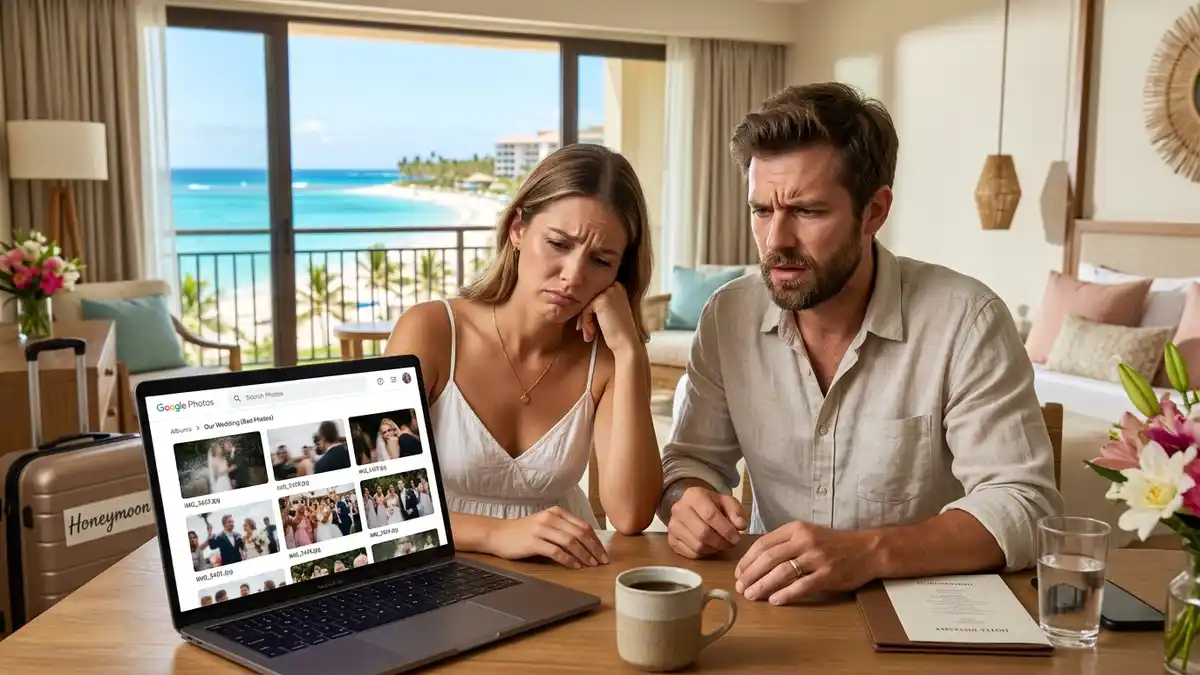
Google Photos Wedding Album vs. App (2026 Guide)
Thinking of using a Google Photos wedding album for guest photos? Our 2026 guide shows why a dedicated app is easier, more private, and gets you more photos. Find a better way.
Using a Google Photos Wedding Album? Here's a Better Way
Your wedding day is a whirlwind of incredible moments, many of which you, the couple, will miss. That’s where your guests come in. They capture the candid, funny, and heartfelt moments that happen when you’re not looking. Many couples plan to use a google photos wedding album to collect these pictures, and on the surface, it makes sense. It’s a familiar tool and it’s free. But when it comes to the unique demands of a wedding, relying on a generic photo-sharing platform can lead to frustration, missed memories, and a messy, disorganized collection of photos.
After all the planning and excitement, you deserve to see your day from every angle, without having to chase people down or sift through a chaotic folder. The goal is to get all those priceless photos from your guests easily and have them in one beautiful, organized place. Unfortunately, what seems like a simple solution often turns into a post-wedding headache, leaving you with fewer photos and more work than you anticipated.
Why That Free Option Isn't Really Free
We get it. You've just spent a fortune on your wedding, and the word "free" is music to your ears. But with photo collection, "free" often comes with hidden costs—not in money, but in time, stress, and lost memories. The generic tools that weren't built for weddings, like shared drives or albums, treat your once-in-a-lifetime event like any other folder of vacation snaps. They lack the specific features that make collecting and enjoying your guest photos a joyful experience rather than a technical chore for both you and your guests.
Think about your guests. They range from tech-savvy friends to older relatives who might struggle with new apps or login requirements. A clunky process is a barrier, and every barrier means fewer photos in your collection. You need a solution that is so simple, anyone from your 10-year-old nephew to your 80-year-old grandmother can use it in seconds. This is where general-purpose tools stumble.
Why Your Google Photos Wedding Album Might Disappoint You
For years, couples have tried to make Google Photos work for their big day. It's a powerful tool for personal photo storage, but it wasn't designed for the specific, high-volume, multi-user environment of a wedding. The little annoyances add up, creating significant hurdles that can prevent you from getting the full collection of memories you were hoping for. Before you send out that shared link, consider the real-world challenges many couples face.
First, there's the friction for your guests. Requiring a Google account is a major obstacle. While many people have one, a surprising number don't, or they use a different email primarily and can't remember their password. This immediately excludes them or forces them to create an account just to share a few photos, which many won't bother to do. Then there’s the issue of finding the album later. Your link gets buried in emails or chat threads, and weeks after the wedding, when guests finally get around to uploading, they can't find it. This results in you getting a fraction of the photos that were actually taken.
The Reality of a Google Photos Shared Album Wedding
A google photos shared album wedding experience often involves more management than you’d expect. One of the biggest complaints is the lack of privacy and control. When you share a link, you're opening the door for anyone with that link to see, download, and potentially add photos. It can feel a little too open for such a personal event. There’s no simple way to moderate photos as they come in, meaning a blurry shot or an accidental (and unflattering) upload is there for everyone to see immediately.
Furthermore, the presentation is functional at best. It’s just a grid of photos. There's no way to customize the page to match your wedding theme, add a welcome message for your guests, or feature a photo of you as a couple. It feels impersonal and disconnected from the beautifully curated experience you created for your wedding day. You also miss out on fun, engaging features like a live slideshow, which can be a huge highlight at the reception, showing guest photos in real-time on a projector screen.
Is Google Photos for Wedding Guests Really That Easy?
The short answer is no, not for everyone. While uploading a photo might seem straightforward to some, the interface can be confusing for others. Do they use the app or the website? Where is the 'add photos' button? What if they want to upload a video? These small moments of confusion are enough to make a guest give up. We’ve heard from countless couples who say their older relatives just couldn't figure it out and ended up texting them photos instead, defeating the purpose of a central album.
Another major issue is photo quality. While Google Photos offers high-quality storage, default settings on many users' phones might compress images to save space. Plus, downloading all the full-resolution files from a shared album can be a surprisingly cumbersome process. You might end up with a mix of high-res and pixelated images, which isn't ideal for printing or including in your official wedding album. This is one of many areas where a dedicated tool shines, as explained in this comparison of the best wedding photo sharing apps.
What to Look for in a Shared Photo Album for Wedding Events
When choosing a shared photo album for wedding memories, you need to think beyond simple storage. You need an experience. The right tool should be incredibly easy for guests, private and secure for you, and offer features that enhance the celebration. It should work for everyone, regardless of their phone type or tech comfort level.
Here are the essentials:
1. No App or Account Needed for Guests: The number one rule. Guests should be able to upload photos instantly via a QR code or a simple link without any downloads or sign-ups. 2. Full-Resolution Photos & Videos: Ensure you get the original, high-quality files that your guests captured. No compression. 3. Total Privacy: Your gallery should be yours alone, accessible only to you and the people you invite. You should have control over who sees what. 4. Live Slideshow: This is a fantastic feature that brings your reception to life, displaying guest photos on a screen in real-time as they are taken. 5. Easy Download: You should be able to download all your photos—in full resolution—with a single click. 6. Customization: The ability to add your names, a welcome message, and a cover photo makes the experience feel personal and integrated with your wedding.
The Alternative: A Dedicated Wedding Photo Sharing App
This is where a wedding photo sharing app like KnotPix changes everything. It's a tool built from the ground up with one purpose: to make collecting and enjoying wedding guest photos effortless and fun for everyone. Instead of trying to adapt a generic tool, you’re using a solution designed to handle the specific needs of a wedding.
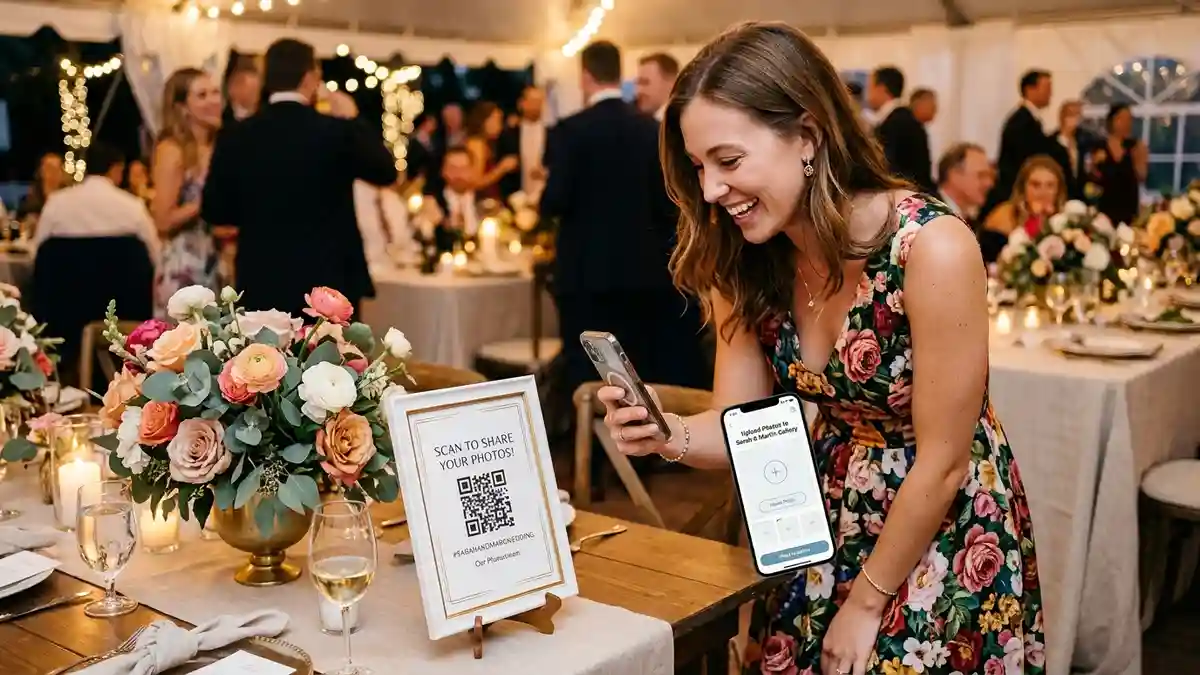
The core of the experience is simplicity. You get a unique QR code and a link to your private gallery. You can print this QR code for wedding photos on signs, place cards, or table tents. Guests simply scan the code with their phone's camera, and it opens a simple webpage where they can upload photos and videos directly from their phone. There’s nothing to download, no password to remember, and no account to create. It takes about 10 seconds.
This frictionless process means you get significantly more photos. Guests can upload pictures right from their table at the reception, while the moments are still fresh. Because it’s so easy, you’ll get photos from a wider range of guests, giving you a richer, more complete story of your day. All photos are uploaded in their original resolution, and you can even collect video messages. Everything is stored in one beautifully organized, private gallery that you can moderate and download with one click after the wedding.

Frequently Asked Questions
Can't I just use a hashtag on Instagram? Hashtags are public, meaning anyone can see your photos, and they often lead to compressed, low-quality images. It also requires all your guests to have and use Instagram, which many don't, and you'll miss out on the candid shots people don't want to post publicly.
Is it difficult to get guests to use a new app? That's the beauty of KnotPix—it's not an app for your guests! They don't need to download anything from the app store. They just scan a QR code, and it opens a simple upload page in their phone's web browser, making it incredibly accessible for everyone.
What happens to the photos after the wedding? All the photos and videos are stored in your private, online gallery in full resolution. You can view them, share the gallery with family, and download the entire collection with a single click to your computer to keep forever.
Can I control what photos are visible to everyone? Yes. With a dedicated app like KnotPix, you have full moderation control. You can approve photos before they appear in the main gallery or in the live slideshow, ensuring only the best shots are shared with all your guests.
It’s Time for a Better Way
Your wedding photos are irreplaceable. While a Google Photos album seems like a simple, free solution, it often creates barriers that result in lost memories and added stress. Your wedding deserves a tool that is just as special and carefully considered as every other detail you've planned.
A dedicated photo-sharing service is built to solve every one of these problems, ensuring you get more photos, higher quality memories, and a better experience for you and your guests. It’s a small investment that pays huge dividends in the form of priceless, candid moments you’ll cherish for a lifetime.
Try KnotPix free at knotpix.com — takes 2 minutes to set up